YouTube is easier to start than ever before.
You bring the ideas, script and voice. boonvid helps turn them into finished videos.
What is YouTube Automation?
It means building a channel without doing every production task manually.
- Idea
- Script
- Voice
- Video
- Upload
- Views
You
- Idea
- Script
- Voice
- Final decision
 boonvid
- Video production
Footage, images, maps, text and motion — built around your narration.
It starts with an idea.
A story you want to tell.
The idea becomes a script.
Your words, your structure.
The script gets a voice.
Recorded or created, in one of ten languages.
boonvid builds the timeline.
Script and voice go in. The scenes follow the narration.
A finished video appears.
Ready to review, download and publish.
How does a YouTube channel make money?
- Video
- Viewer
- Ads / YouTube Premium
- Creator revenue
Once an eligible channel joins the YouTube Partner Program, it can earn from eligible views and other monetization features.
Ads
Revenue from ads shown before, during or around eligible videos.
YouTube Premium
Part of the fee Premium members pay when they watch your content.
Memberships
Viewers join a channel with monthly payments for members-only perks.
Shopping
Creators connect their store and show their products.
Make videos people want to watch.
Build an audience.
Monetize eligible attention.
The hard part used to be production.
One video can require hours of finding footage, timing clips, building graphics and editing everything together.
Now remove the complexity.
Tracks, clips, folders and layers fall away.
What stays is yours.
Your script and your voice. They go into boonvid.
You create.
boonvid builds.
A finished video, built around your narration.
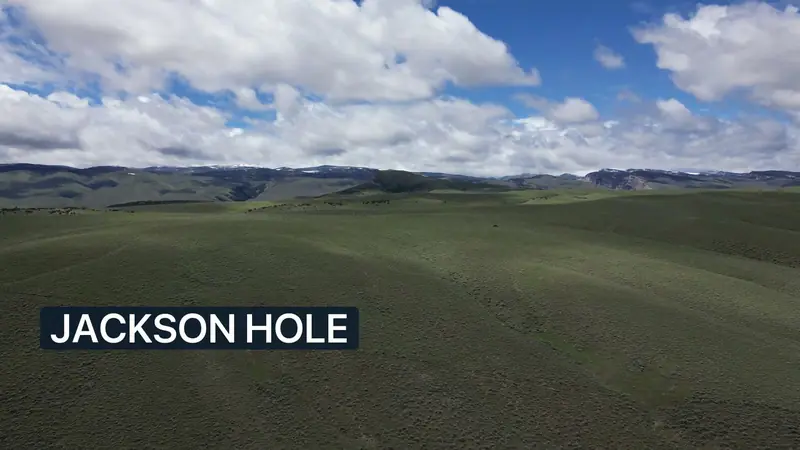 00:01:12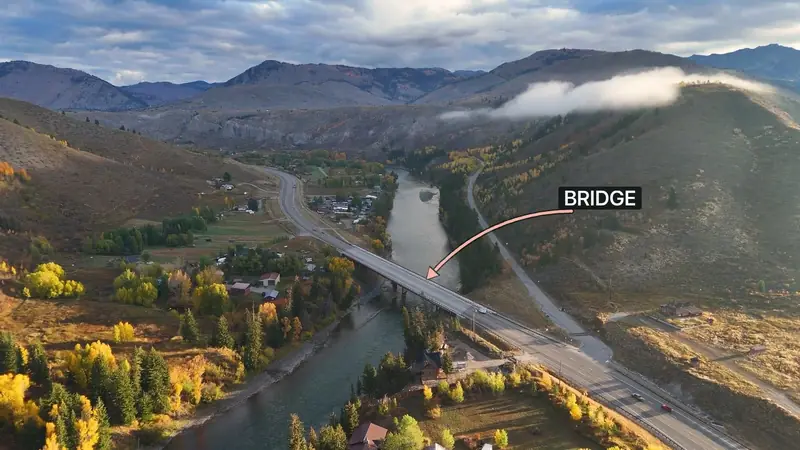
You create the story.
boonvid builds the video.
Upload your script and finished voiceover. boonvid turns them into a visual video built around the narration.
- Script uploadedVoiceover uploaded
- FootageImagesMapsTextMotion
- Finished video
The part that used to take hours.
- Find clips
- Build scenes
- Add images
- Create maps
- Place titles
- Sync visuals
- Build transitions
- Export
One production workflow instead of eight separate editing tasks.
Starting a YouTube channel has never been this accessible.
What once required multiple tools and hours of editing can now be handled in a much simpler production workflow.
Production got easier. Good content still makes the difference.
More video production.
Less manual editing.
Built to make high-quality video production more efficient. Plans are based on video minutes, and every new account can try one free video of up to two minutes, with a watermark.
See pricingAutomation shouldn’t look automated.
Generic automation
The same layout, the same clips, the same template — video after video.
boonvid
Different footage, maps, images, titles and motion — chosen for what each sentence says.
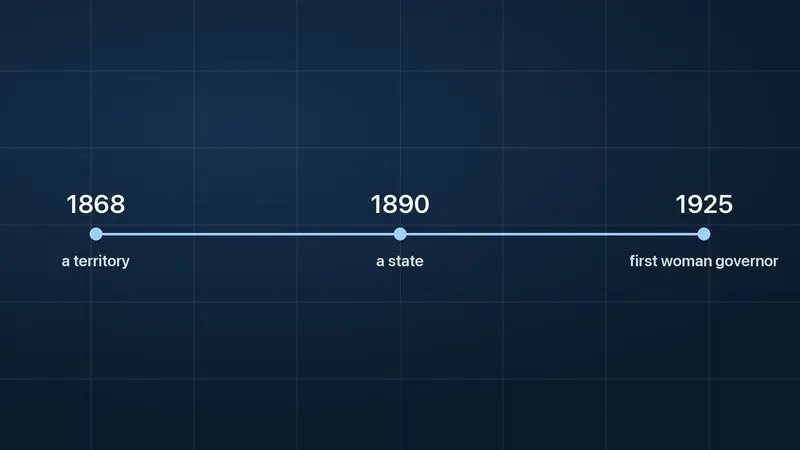 How a territory became a stateHistory documentary
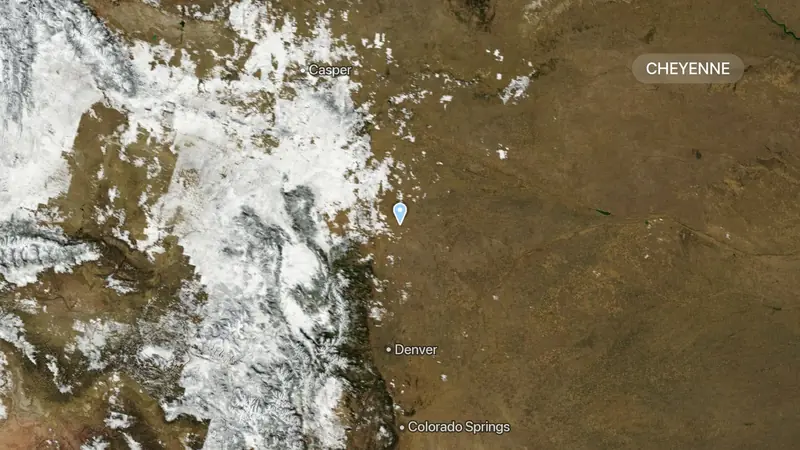 Cities of the High PlainsGeography video
- How a price is madeBusiness explainer
Illustrative examples.
Originality matters.
YouTube says monetized content should be original and authentic, and warns against generic, repetitive or mass-produced content.
That’s why boonvid is built around the content of each video — not just the same template again and again.
Can YouTube Automation be monetized?
Yes — automation itself does not automatically prevent monetization.
YouTube reviews whether a channel follows its monetization policies and provides original, authentic value. Generic or heavily repetitive mass-produced content may not qualify.
What YouTube’s policy says
- Monetized content should be original and authentic.
- Similar formats can be fine when the substance of each video is materially varied and adds creative, educational or other value.
- Content that looks templated, repetitive or mass-produced may not qualify.
boonvid has no special status with YouTube. Every channel is reviewed on its own.
Automation is powerful
when quality comes first.
A channel can become more than a hobby.
Creators can earn through YouTube monetization once they meet the platform’s requirements and are accepted into the YouTube Partner Program.
So how do you actually start?
Choose a topic
Something you can tell many good stories about.
Write the script
Your research and your words. That is where the value comes from.
Record or create the voiceover
Your own voice or a voice you have the rights to use — in one of ten languages.
Build the video with boonvid
Upload both. boonvid builds the video around your narration.
Upload to YouTube
Review the video, download it and publish it on your channel.
An example channel.
A channel theme.
American History — one clear subject.
A topic.
Why Route 66 Changed America.
A script.
The story, written to be heard.
A voice.
The finished voiceover, recorded once.
boonvid builds the visuals.
Route map, footage, titles — placed along the narration.
Published on the channel.
A finished documentary, ready for its audience.
Example channel for illustration.
Questions, answered.
What is YouTube automation?
YouTube automation means running a YouTube channel without doing every production task by hand. Software takes over repetitive work such as video editing, while the creator decides on the ideas, the script, the quality and what gets published.
How does YouTube automation work?
You choose a topic, write a script and record or create a voiceover. A tool like boonvid builds the video around that narration. You review the result and upload it to your channel.
Can YouTube automation make money?
It can, once the channel is accepted into the YouTube Partner Program and earns from eligible views and other monetization features. What a channel earns depends on its content, its audience and YouTube’s review.
Can YouTube automation be monetized?
Yes — automation itself does not automatically prevent monetization. YouTube reviews each channel against its monetization policies, and content that is generic, repetitive or mass-produced may not qualify.
Can AI-generated videos be monetized on YouTube?
They can be, if the content is original and authentic and the channel follows YouTube’s monetization policies. Among the examples the policy does not allow for monetization is AI-generated content made with generic or unoriginal templates that gives the impression of mass production without adding the creator’s own original, authentic insight or perspective.
What does boonvid automate?
The video production. From your script and finished voiceover, boonvid builds the video: stock footage, photos, maps, explanation graphics, text cards, optional subtitles, transitions and optional music. Topic, script, voice, video titles, thumbnails and publishing stay with you.
Do I need video editing experience?
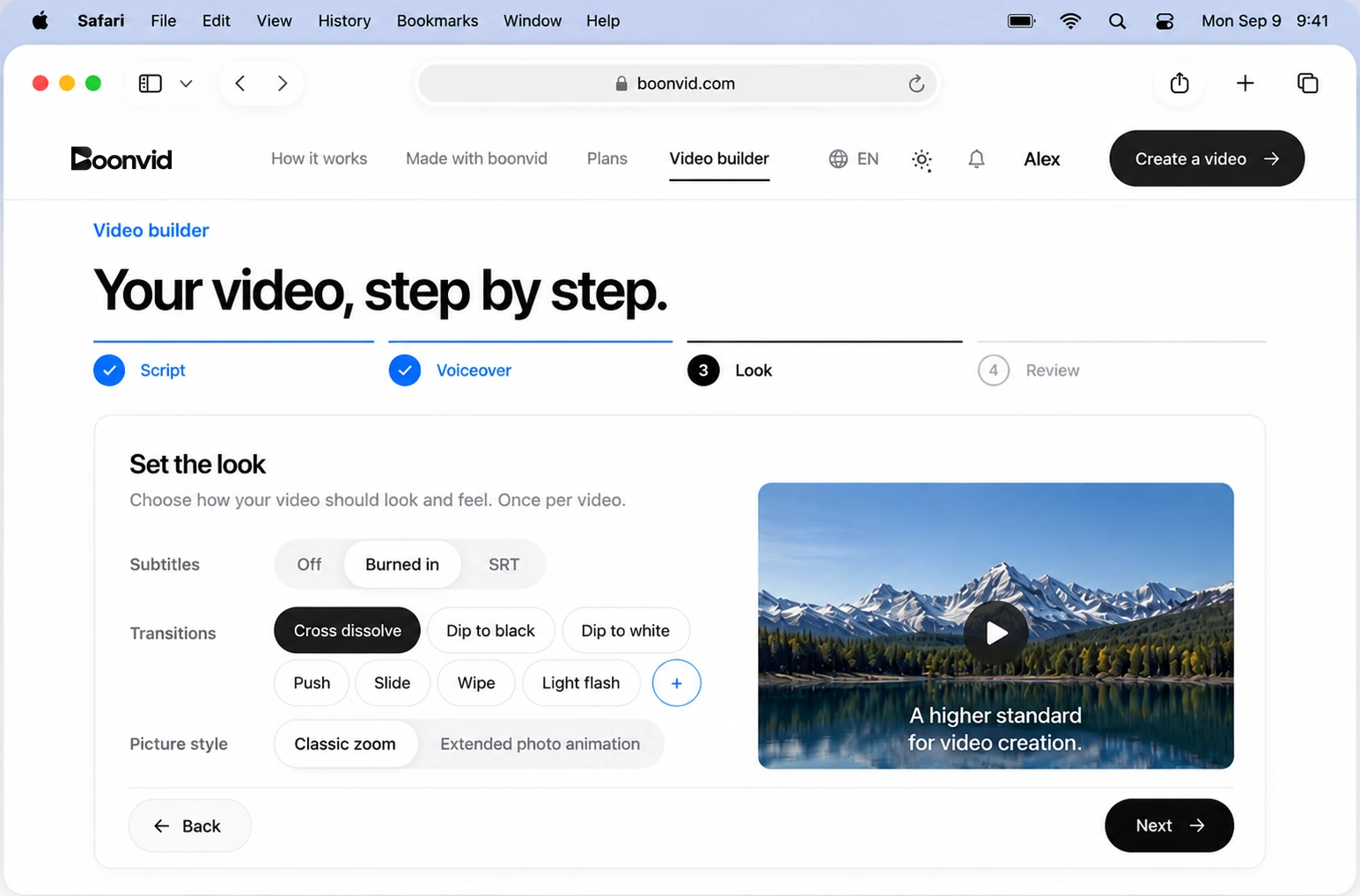
No. You upload a script and a voiceover and choose a few options, such as subtitles and transitions. boonvid does the editing.
Can I start a faceless YouTube channel?
Yes. A faceless channel tells its stories with footage, images and a voiceover instead of a person on camera. boonvid builds exactly that kind of video from your script and voiceover.
Ready to build your first video?
Bring the script and voice. boonvid handles the video.