Your recorded voiceover, turned into a finished video.
boonvid takes the voiceover you have already recorded and the script you read from, and builds the whole video around your voice: footage, photos, maps, titles, subtitles and transitions, cut to your words, plus your own music if you add it. No AI voice. No timeline.
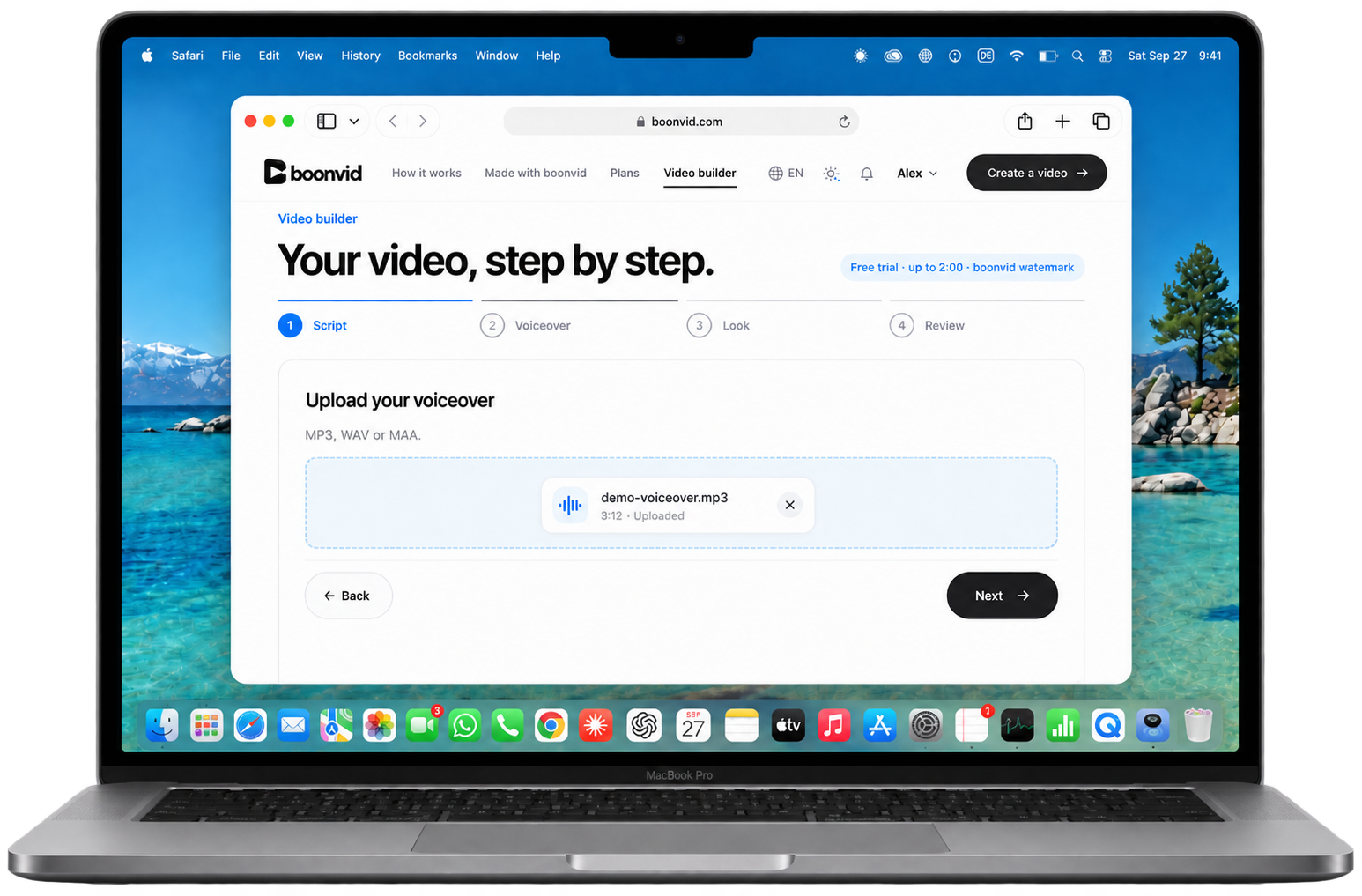
You upload two things: the script as text and your own recording of it. boonvid times every word of the recording, picks a shot for every sentence, sets titles and subtitles at the right second, adds transitions (and your own music, if you upload it) and delivers one finished video file. Your voice stays exactly as you recorded it.
What you bring
Your script as a text file — the words you actually read.
Your voiceover as an audio file: MP3, WAV or M4A, up to 200 MB.
Optionally your own music (you need the rights to use it) and a subscribe animation for the end.
What you get
One finished MP4 in 1920 × 1080, ready for YouTube.
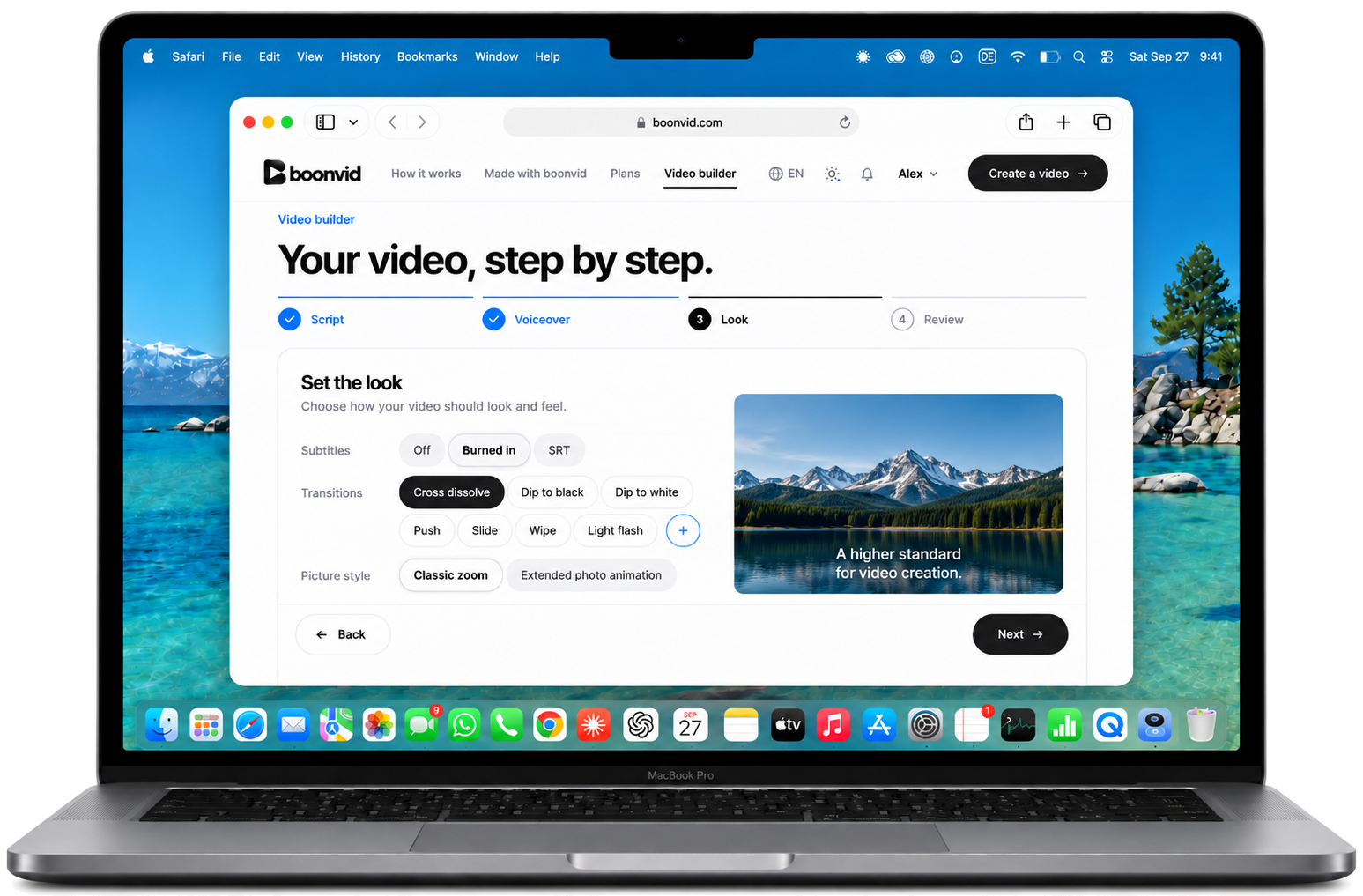
Subtitles burned in, or as a separate SRT file, in the language you spoke.
The list of every source and licence used in the video.
What it costs
Minutes are counted from the length of your voiceover — a 12-minute recording is 12 minutes.
Flex packs of 15, 30, 60 or 100 minutes, or Creator and Max plans with minutes every month.
No tokens, no credits, no per-render surprises. The price is on the plan before you upload.
How it works
1
Upload the script and the recording
Drop both files into the video builder. boonvid checks that the recording matches the script before anything is ordered — you see the result right away.
2
Choose the look once
Subtitles, transitions, your own music and both volumes. One set of choices for the whole video, no per-shot editing.
3
Get the video
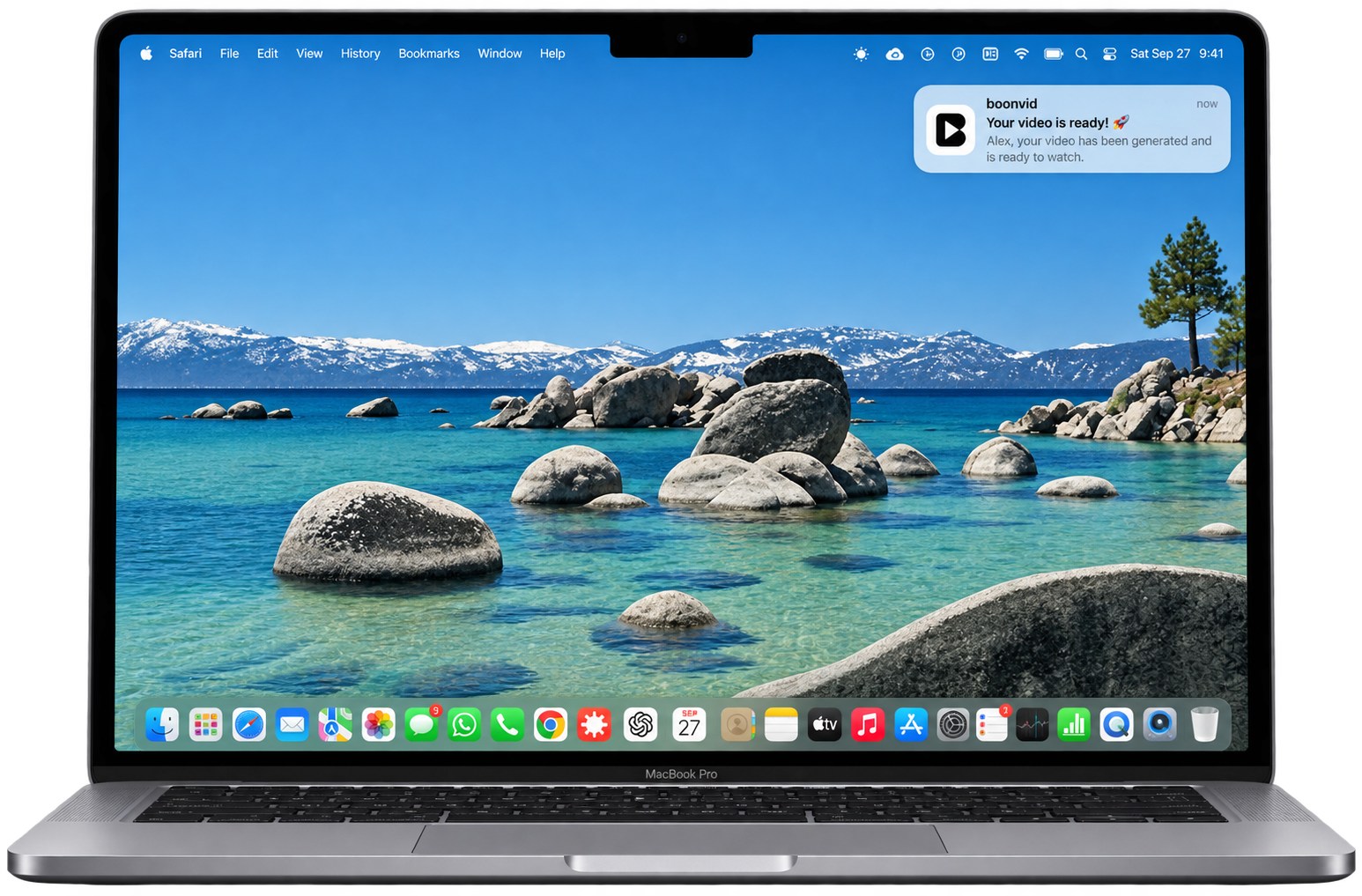
boonvid builds the video and notifies you when it is ready. Watch it, download it, publish it.
Why your own voice
Most tools go the other way round.
Search “voiceover to video” and you find two things: tools that generate a synthetic voice for a video you already have, and editors that let you lay a recording on a timeline. boonvid is the third thing: you bring the voice, boonvid brings the video.
What you start with
AI voice generator
Timeline editor
boonvid
Your own recorded voice
No — a synthetic voice
Yes
Yes, unchanged
Who finds the footage
You
You
boonvid, sentence by sentence
Who places titles and subtitles
You
You
boonvid, timed to your words
Maps for places you mention
—
You draw them
Built in
What you pay for
Characters or credits
A seat, forever
Minutes of finished video
Who it is for
Made for people who already narrate.
Faceless YouTube channels
You write, you record, you publish weekly. The editing was the part that took the evening.
Documentary and history narrators
Long scripts, real places, real events. boonvid adds footage, photographs and maps for the places you name.
Explainers and educators
A clear recording of a clear script becomes a video with the right visual at the right sentence.
Questions
Voiceover to video, in detail
Can I upload my own voiceover?
Yes — that is the whole idea. boonvid does not generate a voice. Your recording is the voice of the video, unchanged.
Which audio formats can I upload?
MP3, WAV and M4A, up to 200 MB per file. The script comes as a plain text file.
Does the script have to match the recording?
Yes. boonvid times the video to the words you actually spoke, so the script must be what you read. The check before checkout tells you if they do not match — nothing is charged.
Which languages work?
German, English, Spanish, French, Italian, Portuguese, Polish, Turkish, Russian and Ukrainian. boonvid detects the language from the recording; titles and subtitles follow it.
How long can the video be?
As long as your recording. Minutes are counted from the length of the voiceover; Flex packs go up to 100 minutes, Creator gives you 300 and Max 1,000 minutes a month.
Can I try it with my own recording first?
Yes. The free trial takes a full script and voiceover and returns the first two minutes of the video with a boonvid watermark. Once per account, no card.