
Step 01
Upload.
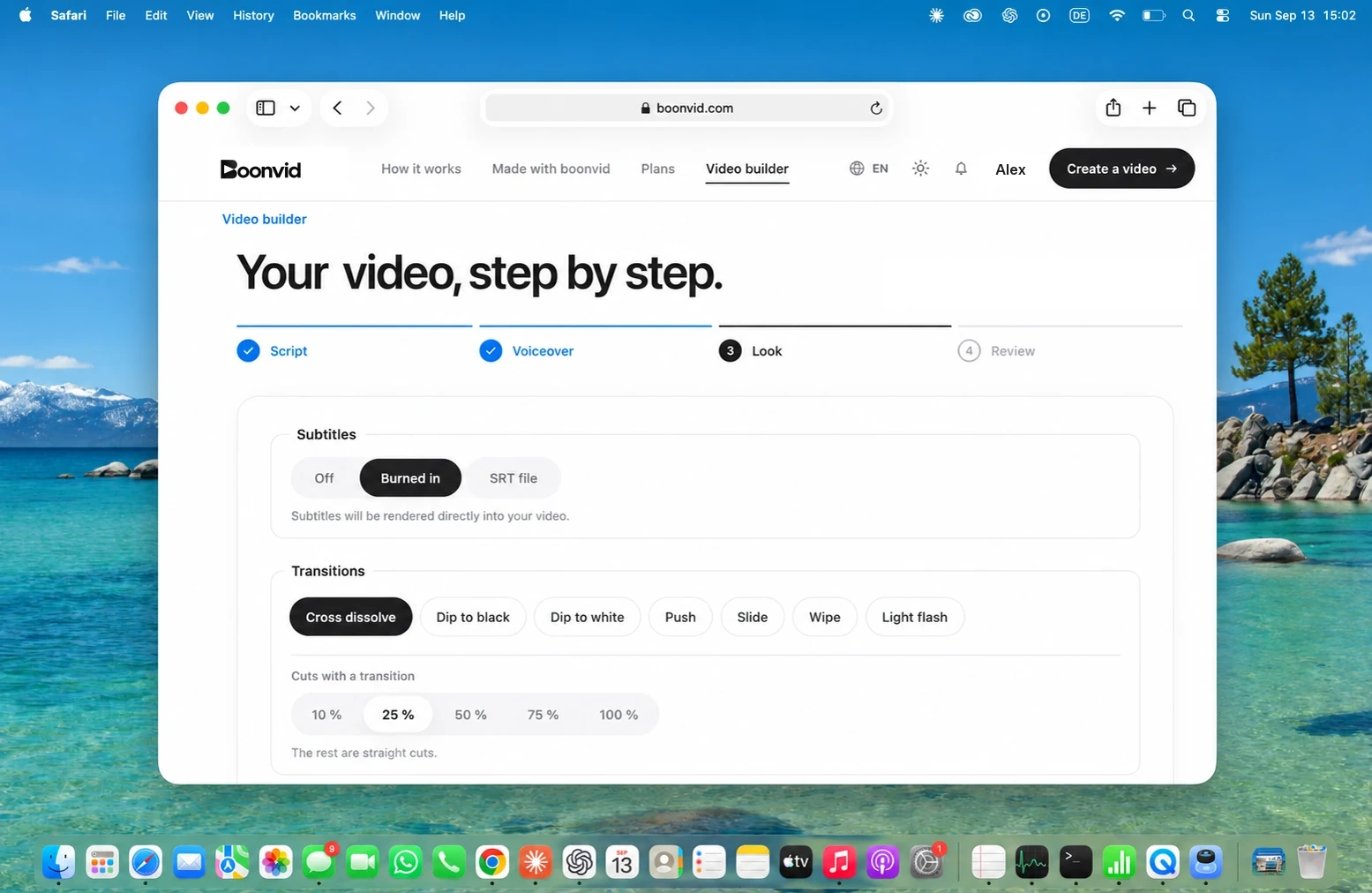
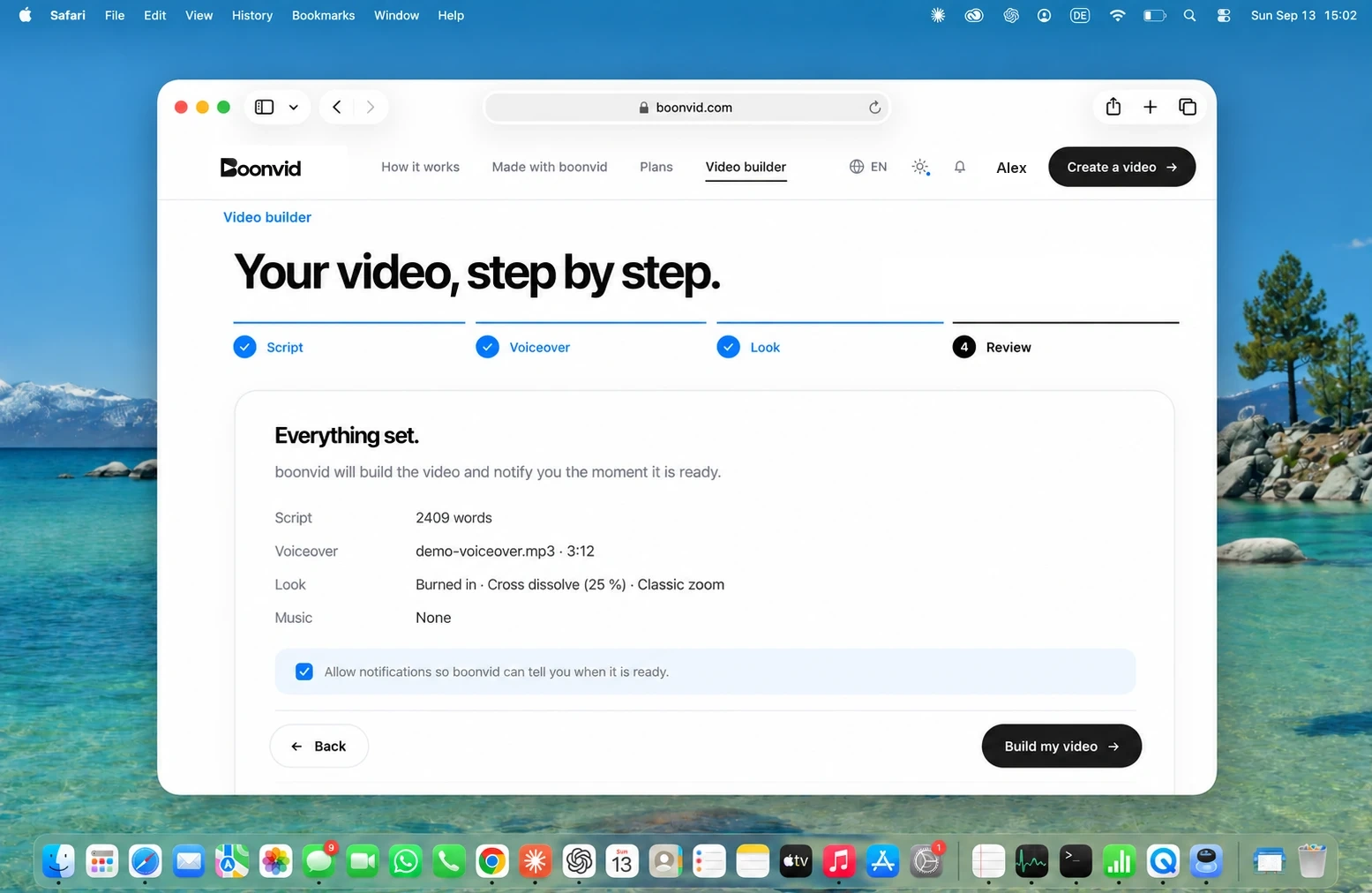
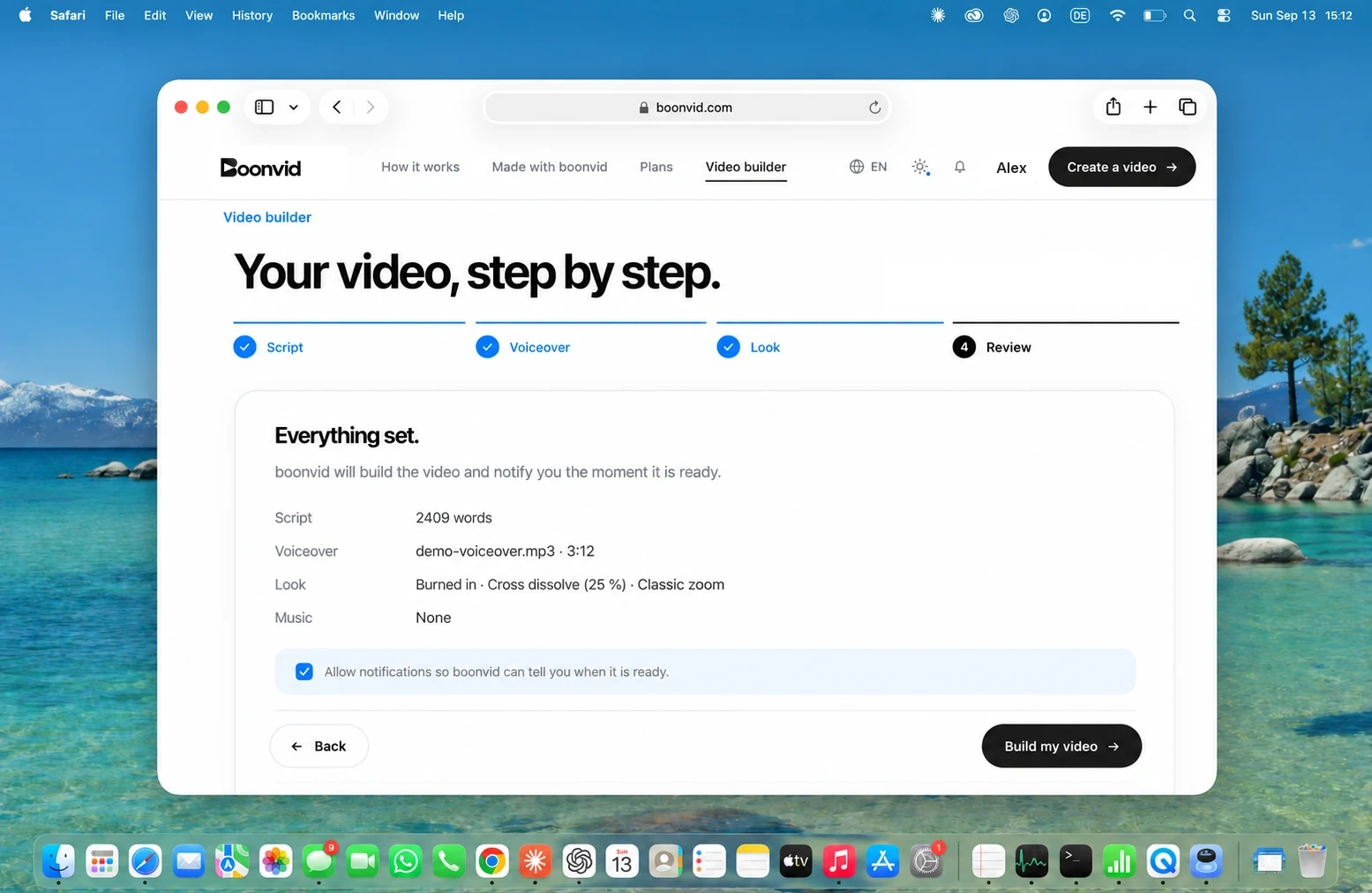
Your finished script and your voiceover, recorded yourself or made with any AI voice, in any of ten languages. Pick subtitles, transitions and your music. boonvid takes it from there.
You bring the script and the voice. boonvid does the editing, for a fraction of what an editor costs.
One free minute · No card required
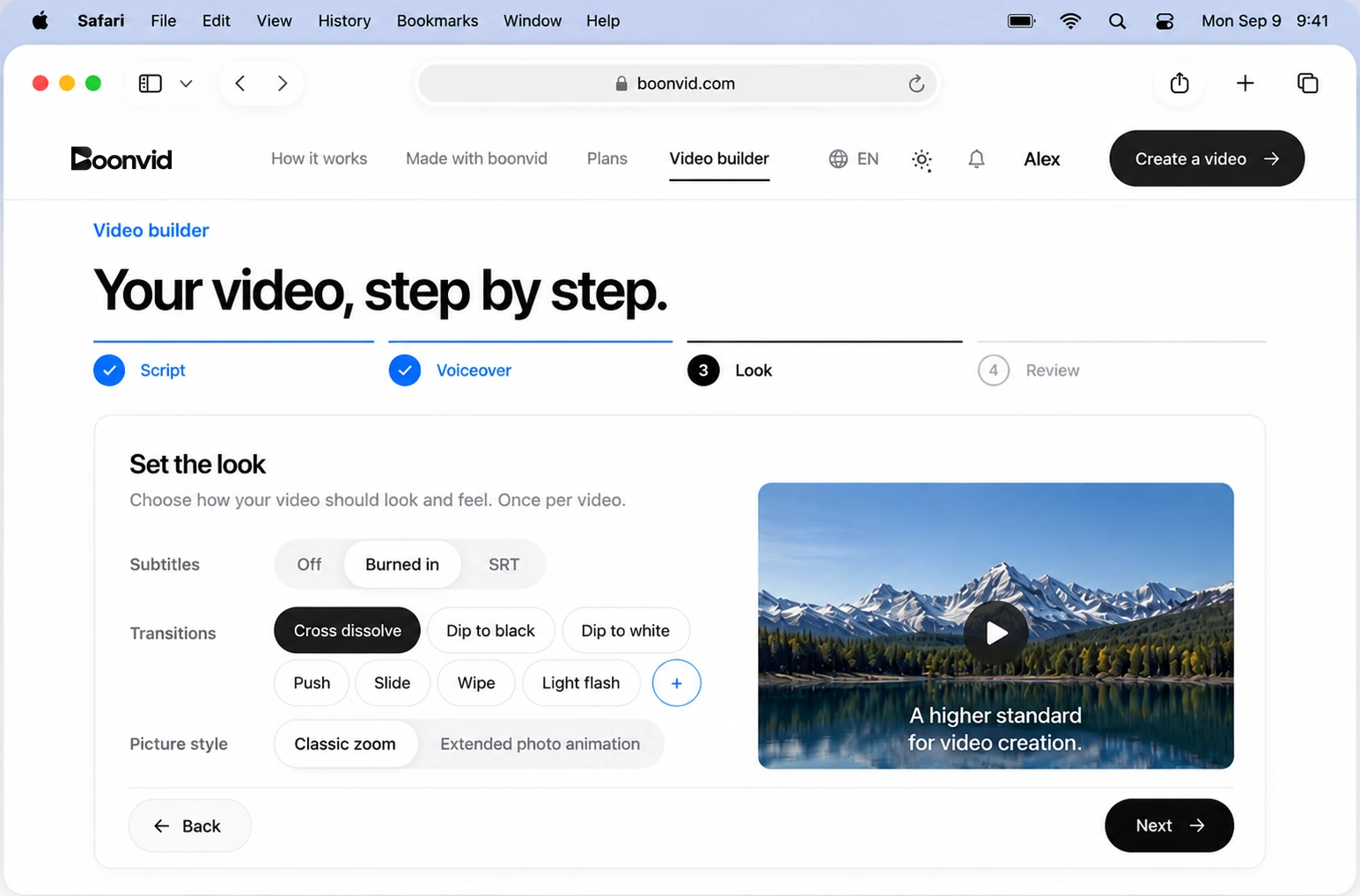
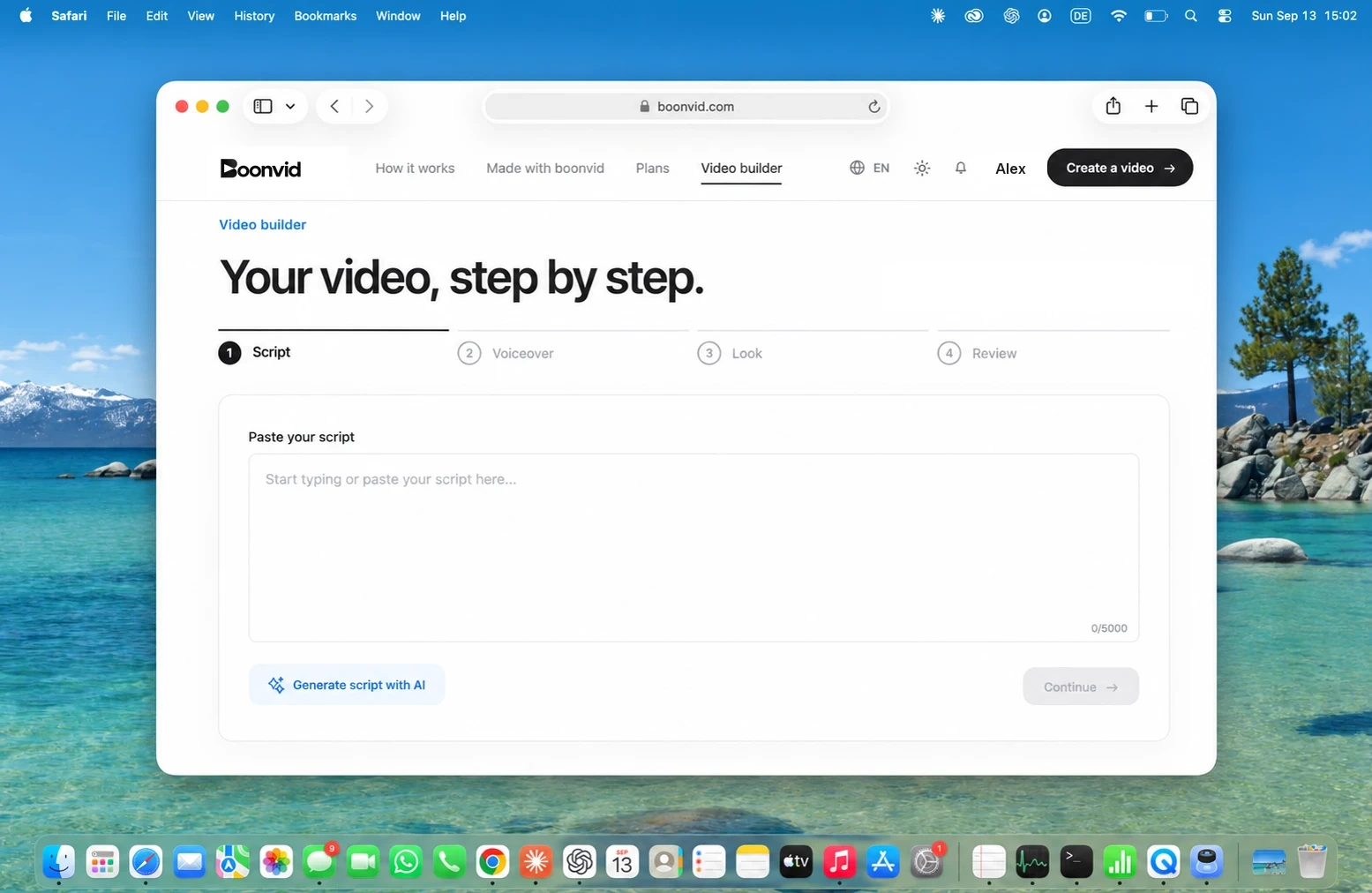
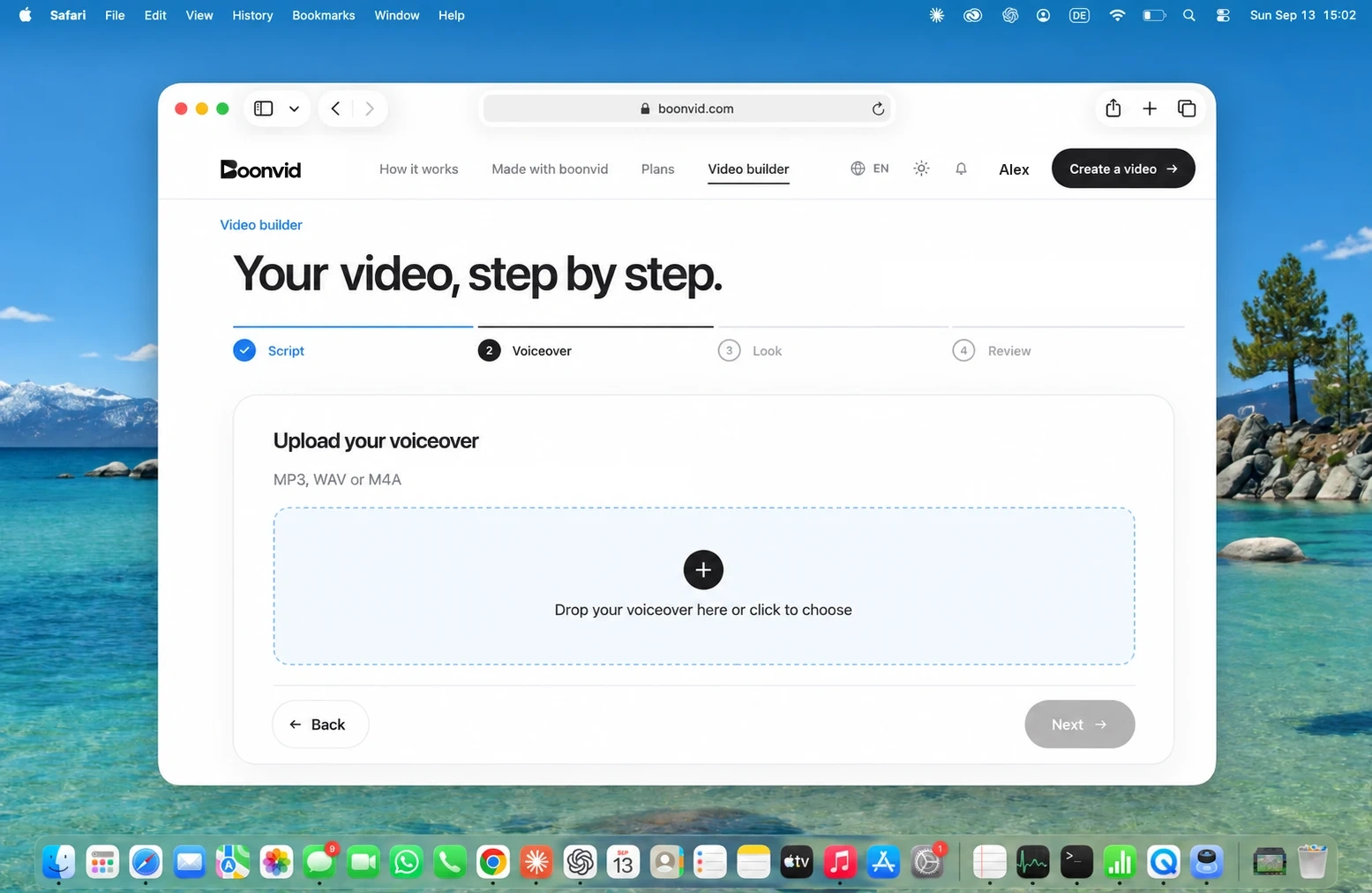
That is the whole job. Paste the script, drop the voiceover, choose how it should look.
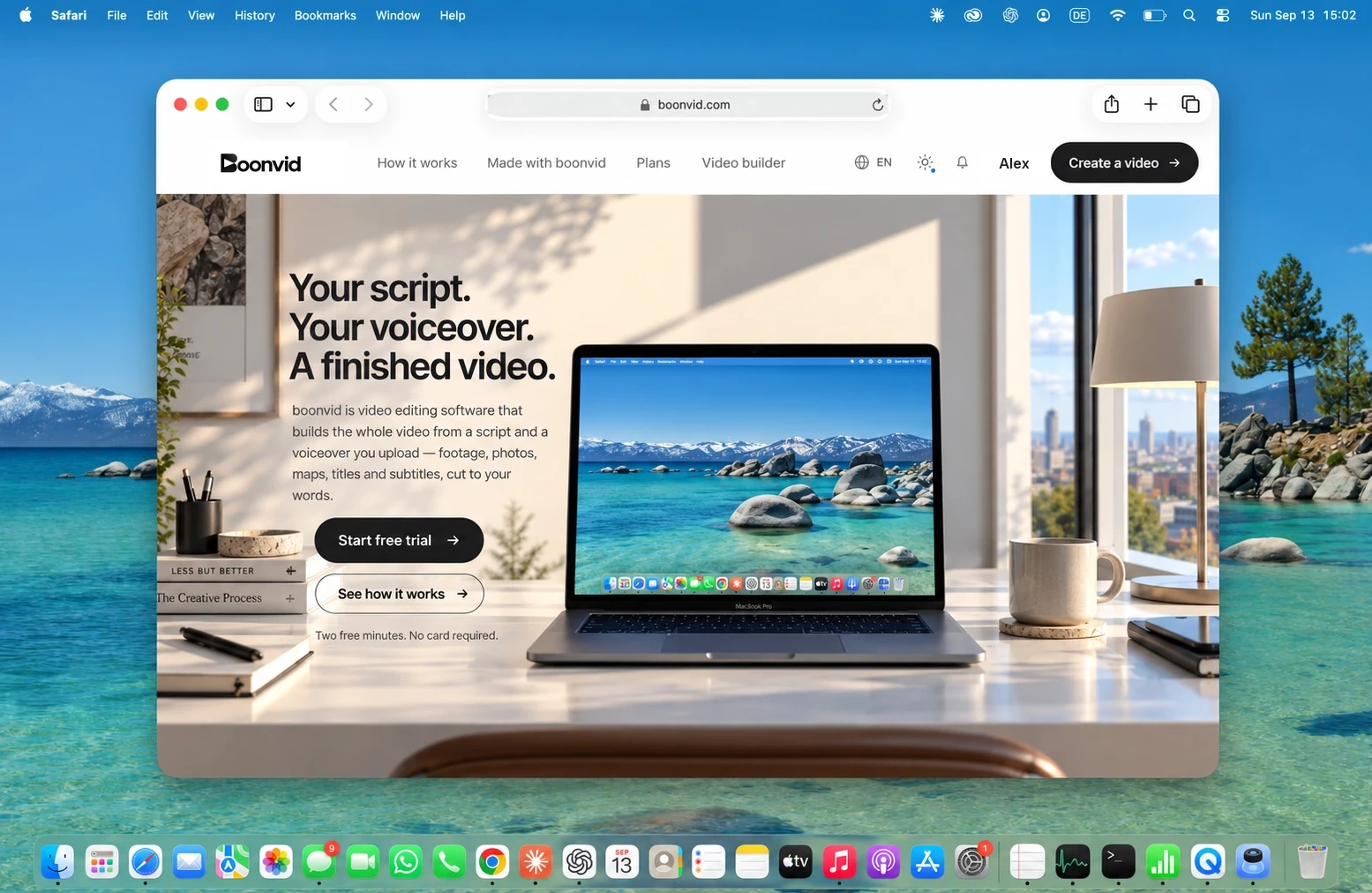
Footage, photos, maps, titles and subtitles, timed to every word and delivered as a finished video.
Videos on top, thumbnails below. Each row moves on its own. Hover a row to stop it.
An editor bills by the hour. boonvid bills by the minute of finished video.
No revisions to chase, no deadlines to wait for, no invoice at the end.
Spend the money on your next video, not on cutting this one.
Upload what you have written and what you have recorded. boonvid reads both, times every word and builds the video around them: the right shot for each sentence, the right title at the right second.
Every word is timed. Cuts land on the phrasing of the recording, not on a grid. Pauses breathe, emphasis hits.
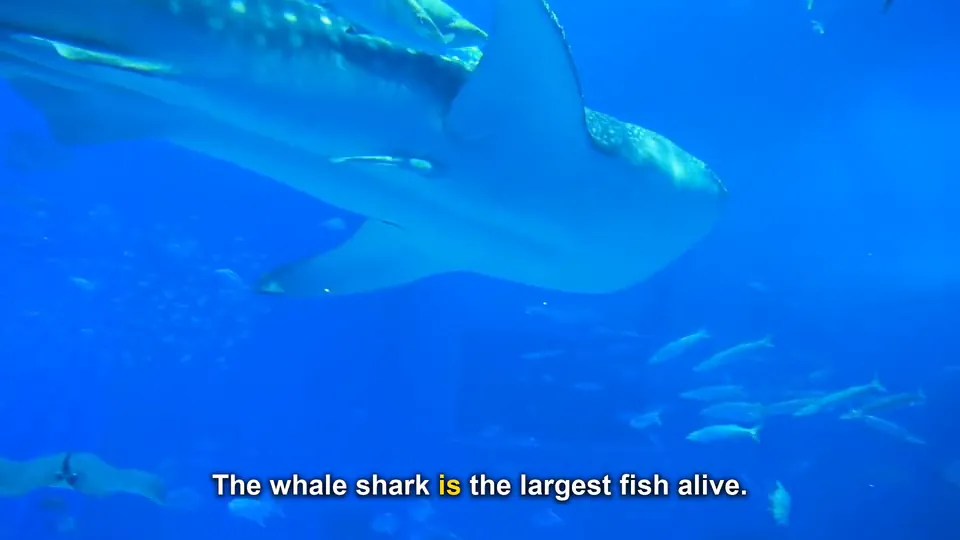
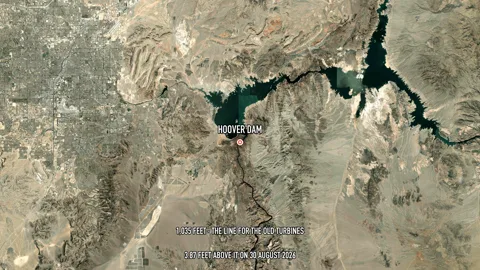
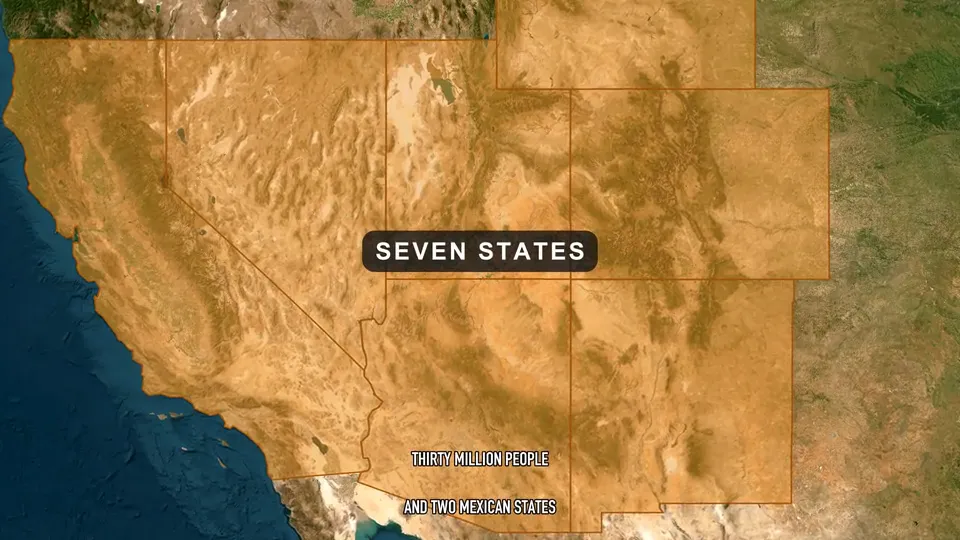
For each sentence, boonvid picks footage, a photograph or a map that shows what is being said, and moves it with intent.
Your finished script and your voiceover, recorded yourself or made with any AI voice, in any of ten languages. Pick subtitles, transitions and your music. boonvid takes it from there.
boonvid reads your script sentence by sentence, finds footage, photos and maps for every line and cuts it all to your voice. No timeline, no brief to write.
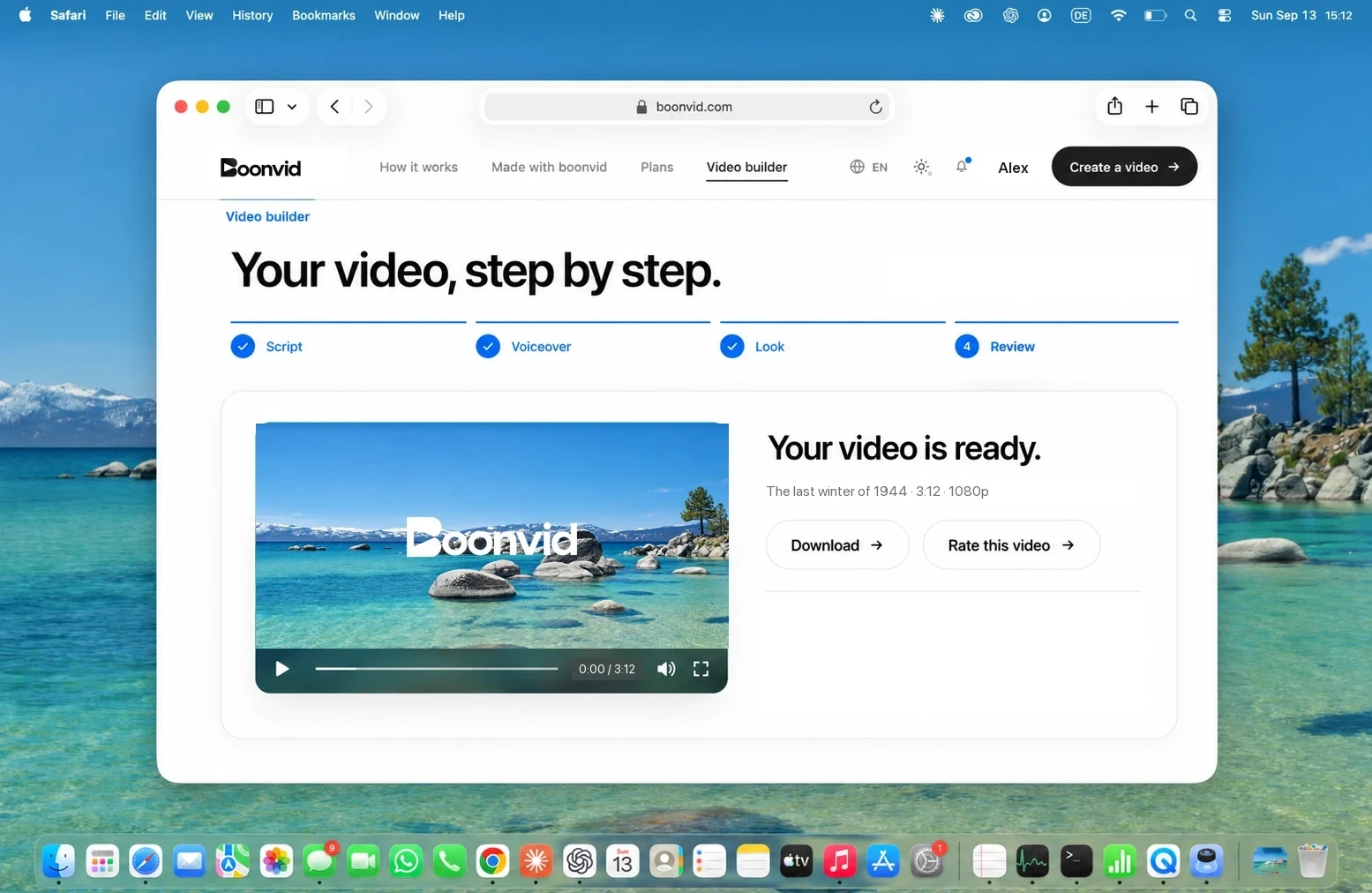
You receive a finished video file and a notification when it is ready. Review the result and media rights before use or sharing.
Built for long-form videos with your own voiceover, the kind that keeps a channel growing.
Every cut, map and title lands on the word you speak, measured from your voiceover, not guessed.
Record it yourself or use the AI voice you already like, in any of ten languages. Upload the voiceover you want and boonvid builds the video around it.
Footage, photos, maps and explainer graphics are chosen for each line of your script, not poured into a template.
Minutes, not credits: you pay by the minute of your voiceover and see the price before you start.
The same panel for a thirty-second reel and a thirty-minute documentary. Nothing hidden behind a timeline.
Off, or burned into the picture in the style you choose.
Automatically selected transitions, consistent throughout your video.
Classic zoom on photographs, plus animated photo cards that carry the key sentence.
Upload your own tracks (you need the rights). Music from 0 to 100 %, voiceover from 50 to 100 %, set separately.
Script and voiceover in the language of the recording. Titles and subtitles follow.
From a short reel to a long documentary. Flex supports videos up to 60 minutes; Creator and Max have no plan-specific video length limit.
Create an account, upload a full script and voiceover, choose every option and receive the first minute of your video with a boonvid watermark. Once per account. No card.
Start free trialLike it? Continue and boonvid finishes the whole video.
Narrated videos: documentaries, history, geography, science, explainers, travel and business stories. Flex supports videos up to 60 minutes; Creator and Max have no plan-specific video length limit. File-size and processing-capacity checks still apply. You bring a finished script and a voiceover in one of ten languages, and boonvid builds the video around them.
Yes, that is how boonvid works. Upload your script and your own recording, or a voiceover you made with any voice tool. Your words and your voice stay exactly as they are, and every shot is timed to them.
Before delivery, automated visual checks compare the chosen footage with what each sentence says and look at the available source information. A shot that does not fit can be replaced. The checks reduce mismatches but cannot guarantee factual accuracy or rights clearance, so please review your video.
boonvid has no built-in editor. You download the finished video as an MP4 in 1080p, with subtitles burned in if you switched them on, and you can open it in any editing software you like.
The video waits in your account, and boonvid can notify you when it is ready. Watch it, download the MP4 and review the source and licence information before you publish. If a technical problem on our side stops a video, its minutes are returned.
Email hello@boonvid.com anytime. We’ll get back to you as soon as possible.